Stop watching tutorials. Build the thing.
The architecture, the requirements, and the definition of done for a real Azure build. No click-by-click steps — the figuring-out is the project.
One email with the PDF attached. Unsubscribe any time.
On its way.
Check your inbox in the next minute or two — the PDF is attached.
Nothing after five minutes? Look in spam, and mark it "not spam" so the rest gets through.
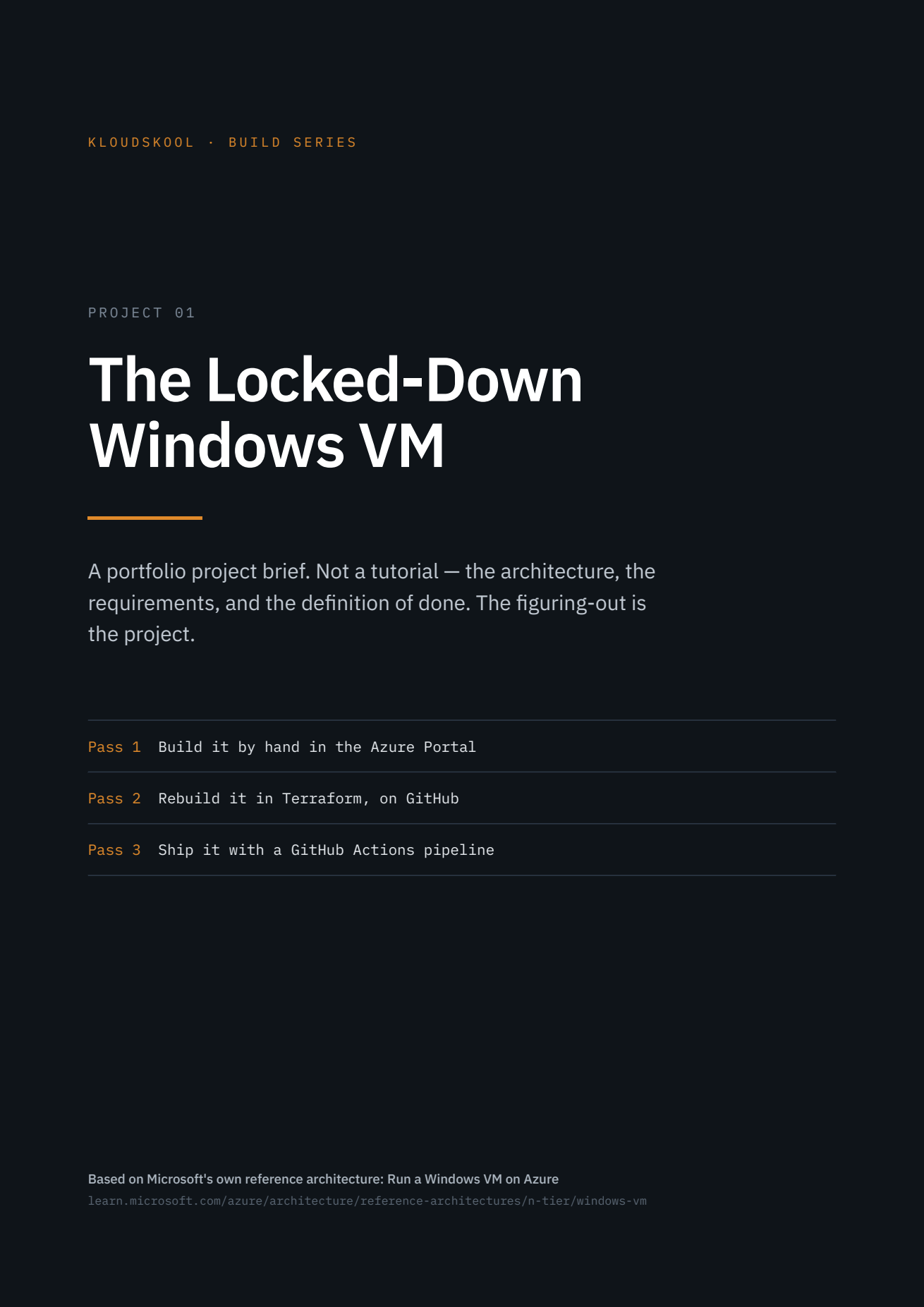
What's inside
The full architecture
A Windows VM with no public IP, RDP through Azure Bastion, outbound via NAT Gateway, private subnets, NSGs, managed disks, diagnostics and backup.
The definition of done
Exactly what "working" means for each pass, so you know when you've finished instead of guessing — including the checks that prove it.
Where people get stuck
The failures you're going to hit, listed up front. Not to save you from them — so you recognise them when they happen.
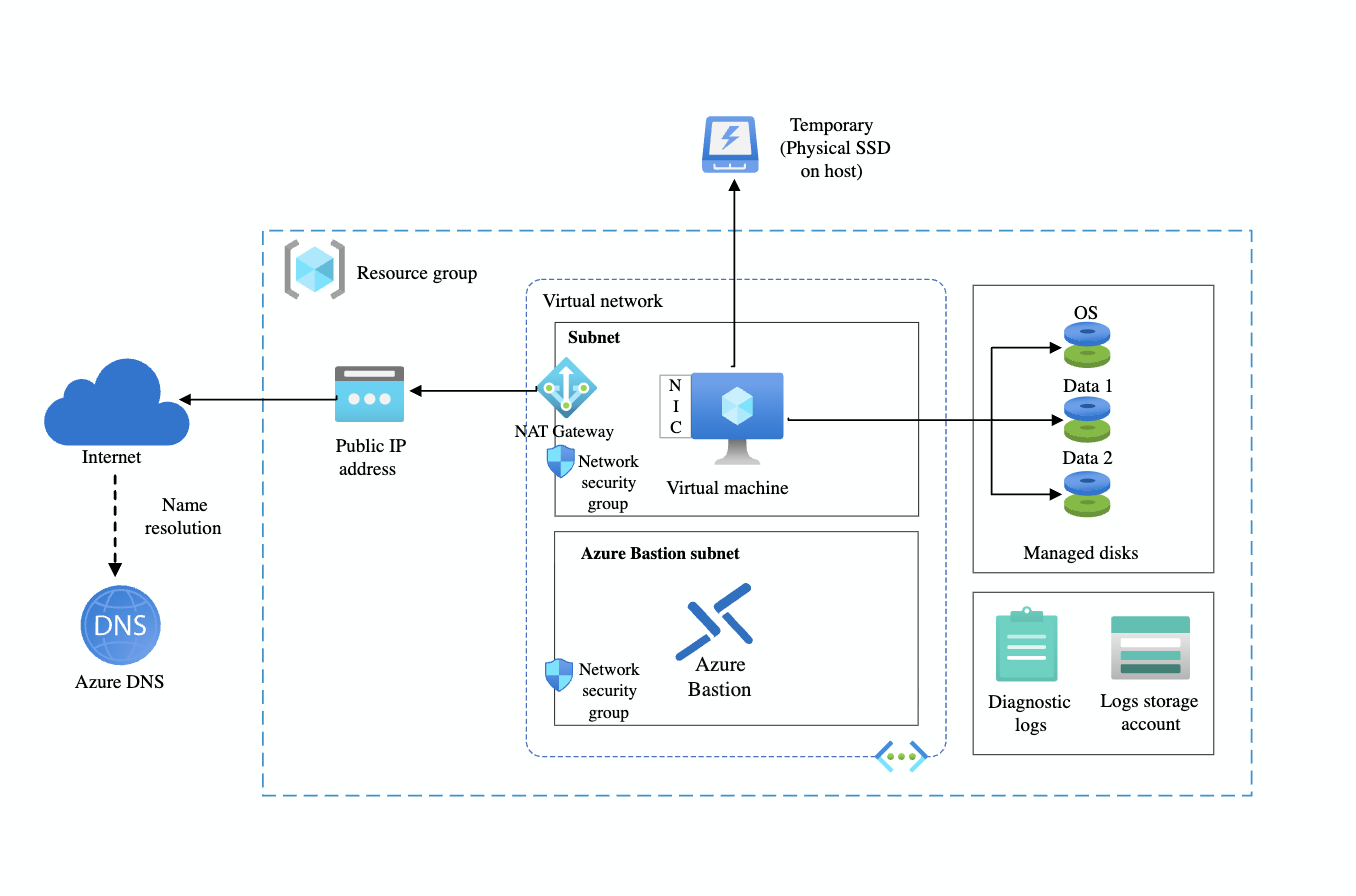
Reference architecture: Run a Windows VM on Azure. Diagram © Microsoft, from the Azure Architecture Center.
Who's this from
Faisal Abdi — cloud and DevOps engineer, and the instructor behind KloudSkool. Ten years in IT, the last six in cloud, delivering Azure work in real enterprise environments.
KloudSkool turns tutorial-watchers into cloud engineers a team actually hires and keeps. Skills-first, job-first, cert-second.